How to add offline licensing to a Python desktop app
Verify a signed activation token entirely on the customer's machine, persist the device binding, and sell an offline-ready desktop edition through your Store.
pip install permitcore[offline]from permitcore import PermitCoreClient
# First run: verify, bind, and persist locally.
activated = PermitCoreClient.activate_offline(
token, public_key_base64, device_id
)
if not activated.is_valid:
raise RuntimeError(activated.message)
# Later launches: local verification, zero network calls.
result = PermitCoreClient.validate_offline(device_id)From product record to paid customer
Use PermitCore for the licensing layer and the sale. Your customer checks out in your branded Store and receives a working license automatically.
- 01Create
Create the product and license policy
In Products, create the software your key unlocks. Choose its activation limit, validity, offline grace period, version range, and feature flags.
- Create an offline-capable product
- Choose device and expiry rules
- Create a test license
- Fetch and bundle the tenant public key
- 02Implement
Install the Python SDK and scope the key
Put license activation in the first-run flow and validation at startup. Pass your product ID so a valid key for another product cannot unlock this one.
pip install permitcore[offline]- Accept the offline token during activation
- Bind it to your stable device identifier
- Persist through activate_offline
- Verify later with validate_offline
- 03Verify
Test the real validation path
Generate an offline activation token for the test license, verify it against your tenant public key, then change one character in the token and confirm verification fails. No network request is made by these local methods.
- 04Sell
Publish the product in your Store
Connect your Stripe account, add the product to your branded PermitCore Store, and publish. Checkout creates the license and delivers it to the customer without a webhook project or a second commerce platform.
- Explain the offline activation handoff
- Publish the desktop edition in Store
- Connect Stripe with 0% PermitCore commission
- Deliver the license after checkout
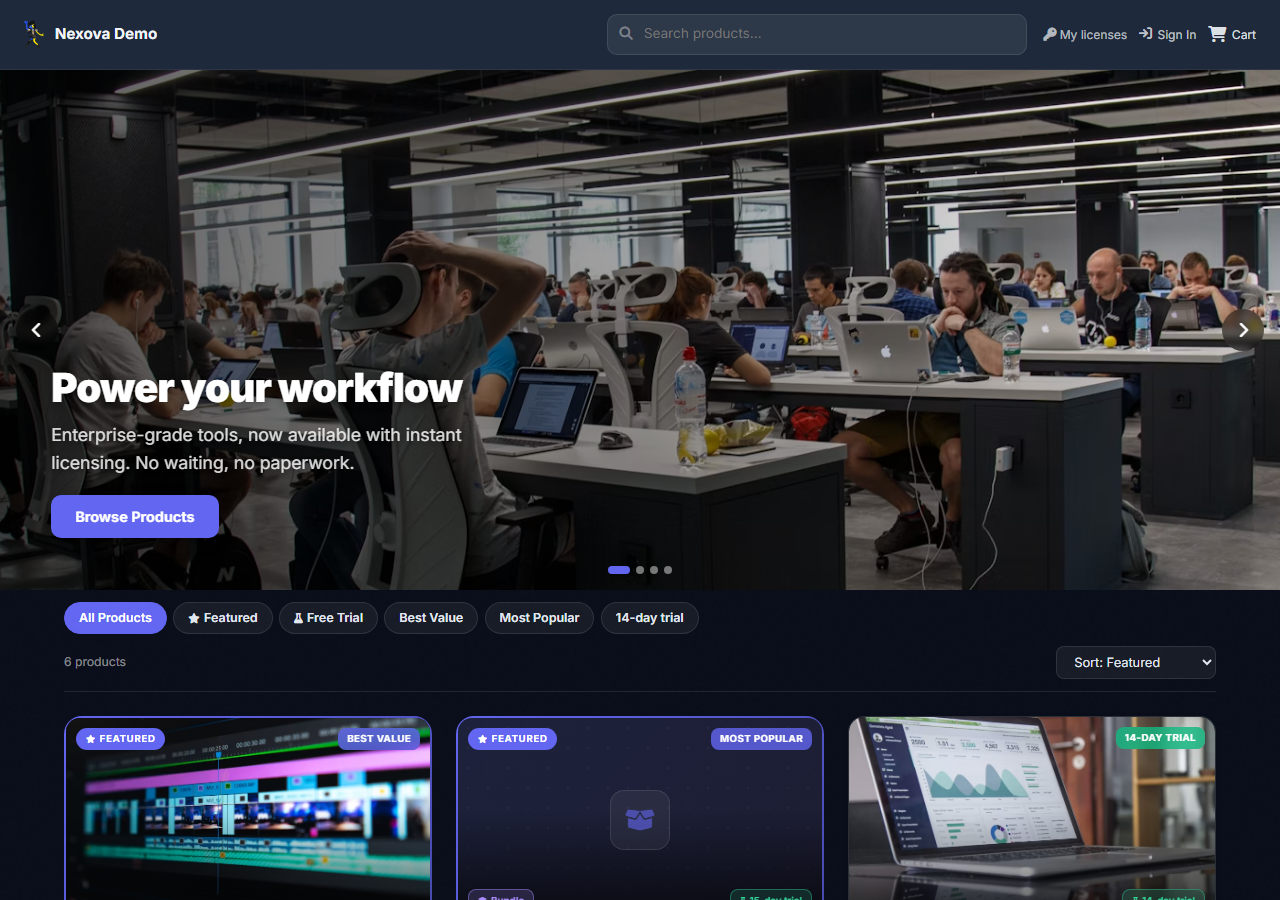
One checkout completes the sale and delivers the license.
Python production checklist
The sample is intentionally small. Add these safeguards before making licensing part of a paid release.
- Bundle only the public verification key; the private signing key never belongs in the app.
- Use a stable, privacy-conscious device identifier rather than a raw MAC address.
- Define how customers receive replacement tokens after a hardware change.
- Test expired, tampered, wrong-device, and missing-cache cases.