Webhooks
Receive events on your server
Webhooks notify a trusted server when subscribed events occur, such as a license activation or revocation. Configure them under Webhooks → Add Endpoint (Starter and above).
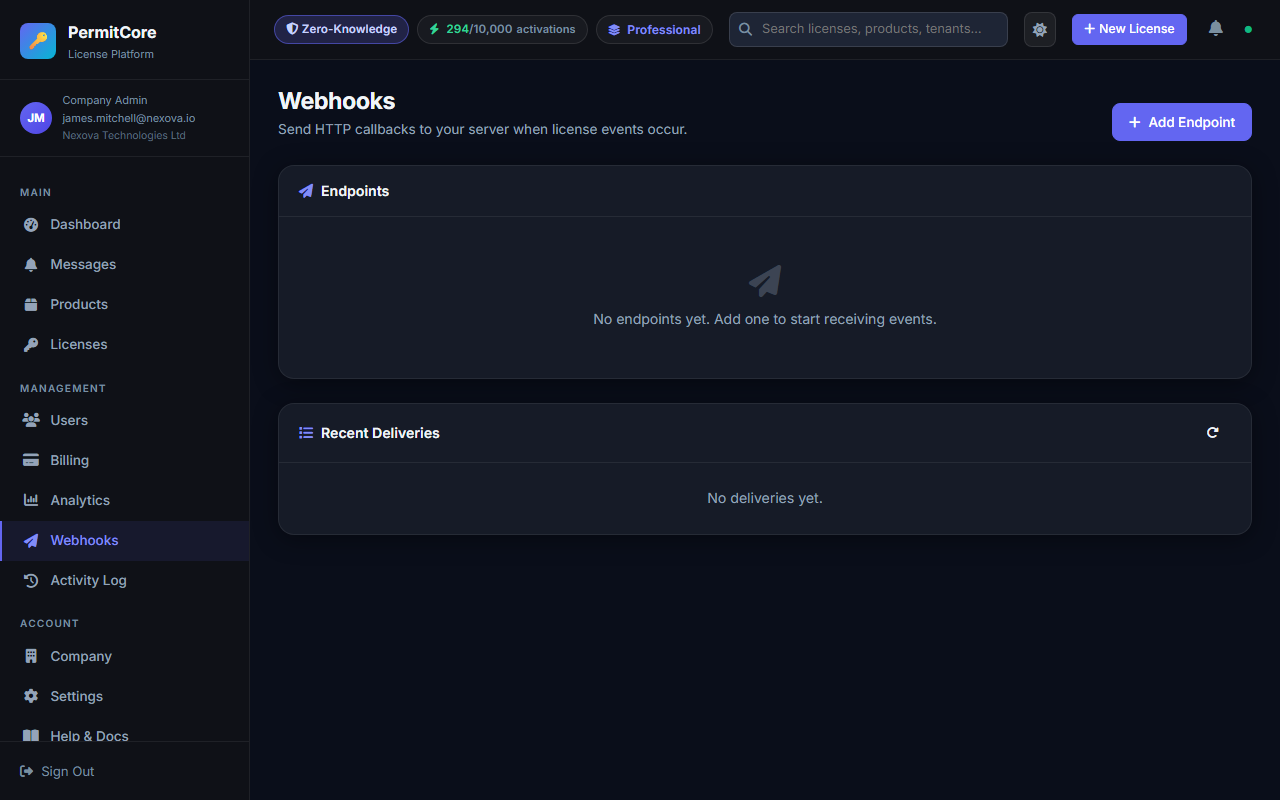
The Webhooks page before setup. Add an endpoint to start receiving events; delivery attempts then appear below.
- Enter a publicly reachable HTTPS endpoint; private and loopback destinations are blocked.
- Select the events your integration handles.
- Save the signing secret securely when it is shown.
- Verify a simulator event before processing production traffic.
Verify the raw body
The X-PermitCore-Signature header contains sha256=<hex digest>. Compute HMAC-SHA256 over the exact received body bytes with your endpoint secret. Do not parse and reserialize JSON before verification. Reject missing or malformed signatures without throwing.
const { createHmac, timingSafeEqual } = require('node:crypto');

function verifyWebhook(rawBody, signatureHeader, secret) {
  if (typeof signatureHeader !== 'string') return false;
  const match = /^sha256=([a-f0-9]{64})$/i.exec(signatureHeader);
  if (!match || !Buffer.isBuffer(rawBody)) return false;
  const expected = createHmac('sha256', secret).update(rawBody).digest();
  const received = Buffer.from(match[1], 'hex');
  return received.length === expected.length &&
    timingSafeEqual(received, expected);
}
Configure your HTTP framework to preserve the raw request body. Only parse the payload after verification. The signature authenticates the body, but does not prevent replay: store processed event IDs durably, enforce a unique constraint, and apply your business update in the same transaction as that record. A duplicate event should receive a successful response without repeating the work.
Event envelope
{
  "id": "evt_1234567890abcdef1234567890abcdef",
  "event": "license.activated",
  "timestamp": "2026-09-06T10:00:00Z",
  "data": {}
}
data depends on the event. Use the simulator to inspect the payload for each subscribed event. Do not assume the payload contains a plaintext license key. Treat unknown fields as additive and unknown event names as unsupported rather than crashing the endpoint.
Events
| Event | Purpose |
|---|---|
| license.created / license.updated / license.revoked | Keep downstream license records in sync. |
| license.activated | React to an installation being registered. |
| license.expiring | Handle upcoming expiry notifications. |
| license.abuse_suspected | Investigate unusual request volume or IP fan-out. |
| product.created / product.updated / product.deleted | Synchronize the product catalog. |
| webhook.test | Test delivery and signature verification. |
Delivery and retries
A 2xx response marks delivery successful. Non-2xx responses and network failures are retried. The current receiver-failure path makes up to five total attempts: the initial attempt, then delays of 5 minutes, 30 minutes, 2 hours, and 24 hours after the previous failure. Check Next Retry At for a delivery's scheduled retry rather than assuming exact wall-clock arrival.
| Status | Meaning |
|---|---|
| pending | Queued, not yet attempted. |
| retrying | An attempt is being processed or a retry is scheduled. |
| delivered | The receiver returned 2xx. |
| exhausted | No further automatic attempts remain. |
| blocked | The destination failed the public-address security check. |
Accept events quickly into a durable queue and return 2xx only after they are safely recorded. Do slow downstream work separately. Monitor failed deliveries; do not assume delivery is exactly once or that events always arrive in creation order.
Test before launch
- Use the endpoint's simulator to preview and send an event.
- Confirm a correct signature is accepted and a modified body is rejected.
- Send the same event ID through your receiver twice and verify the business action happens once.
- Review HTTP status and delivery history in PermitCore.