Setting Up a License Store: Selling Keys Directly to Customers
Add a product, choose Stripe or Paddle, and get a real checkout page that issues license keys automatically.
Current Store choices are Stripe and Paddle. Choose one provider for your entire Store.
Everything so far in this series assumed you already had a license key to hand to a customer. This post covers the other end: getting a customer to pay you and receive a working key, without you writing a checkout flow or an email-delivery system yourself. That's what the License Store is for.
What the Store Actually Is
It's a real, hosted storefront — your own product pages, your own pricing (one-time, monthly, annual, or a free trial), connected to your own Stripe or Paddle account. Choose one provider for the whole Store. Stripe settles to your Stripe account; Paddle acts as merchant of record under its payout terms. PermitCore turns verified payment into an encrypted license delivered to the buyer.
Step 1: Add a Store Product
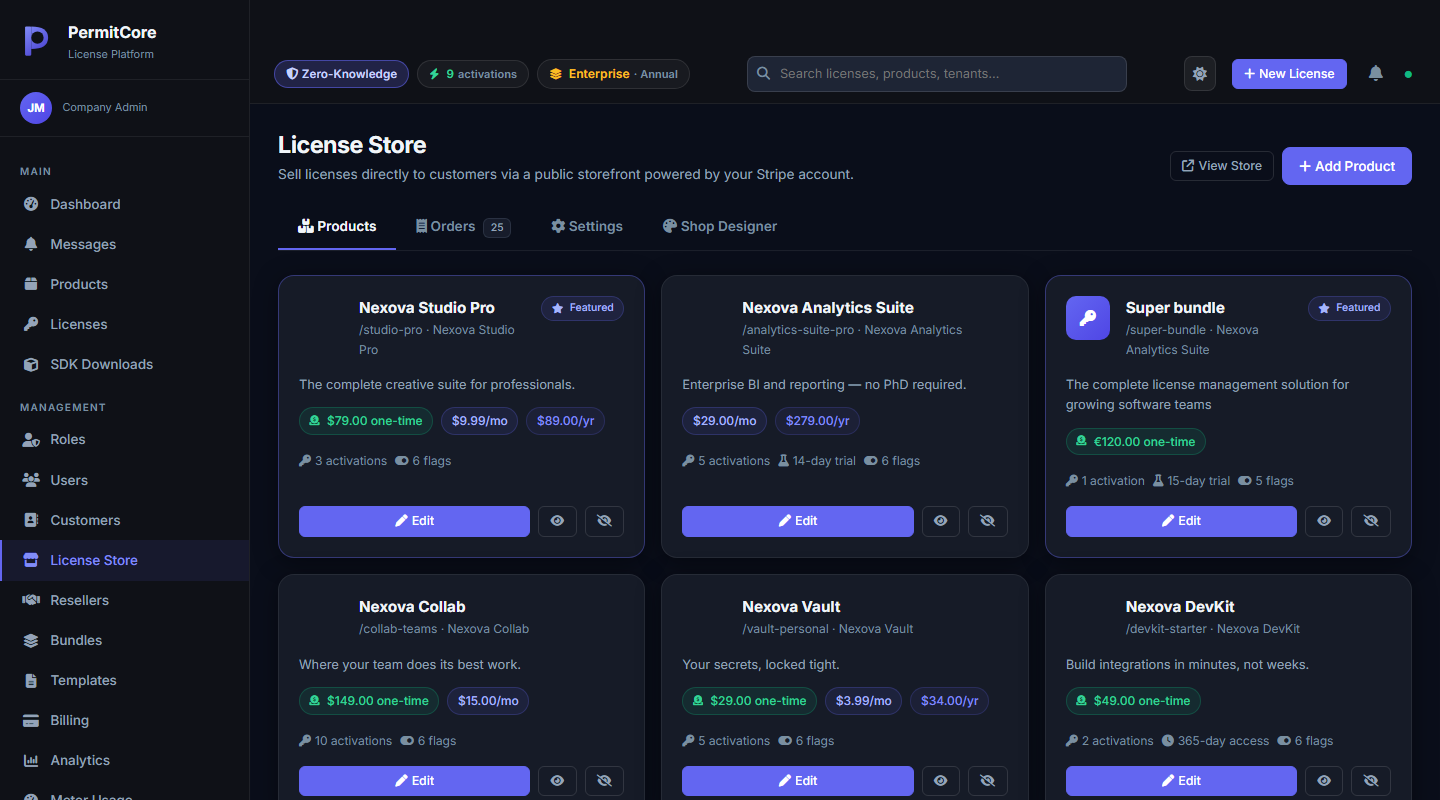
Go to License Store → Products → Add Product. A store product wraps one of your existing PermitCore products with everything a storefront needs: a public description, one or more prices, a trial period if you want one, and which features/flags a purchase should grant.
Each card shows its live pricing, activation limit, and trial length at a glance.
Step 2: Choose and connect your payment provider
Under Settings, select Stripe or Paddle and connect the matching live or sandbox account and signed webhook. Card data stays with that provider. Follow the provider setup guide: Paddle supports catalog sync and product/price mappings.
Step 3: See What Customers See
Your storefront is live at a URL scoped to your own tenant slug — a real product page with pricing tiers, ready for a customer to buy from:
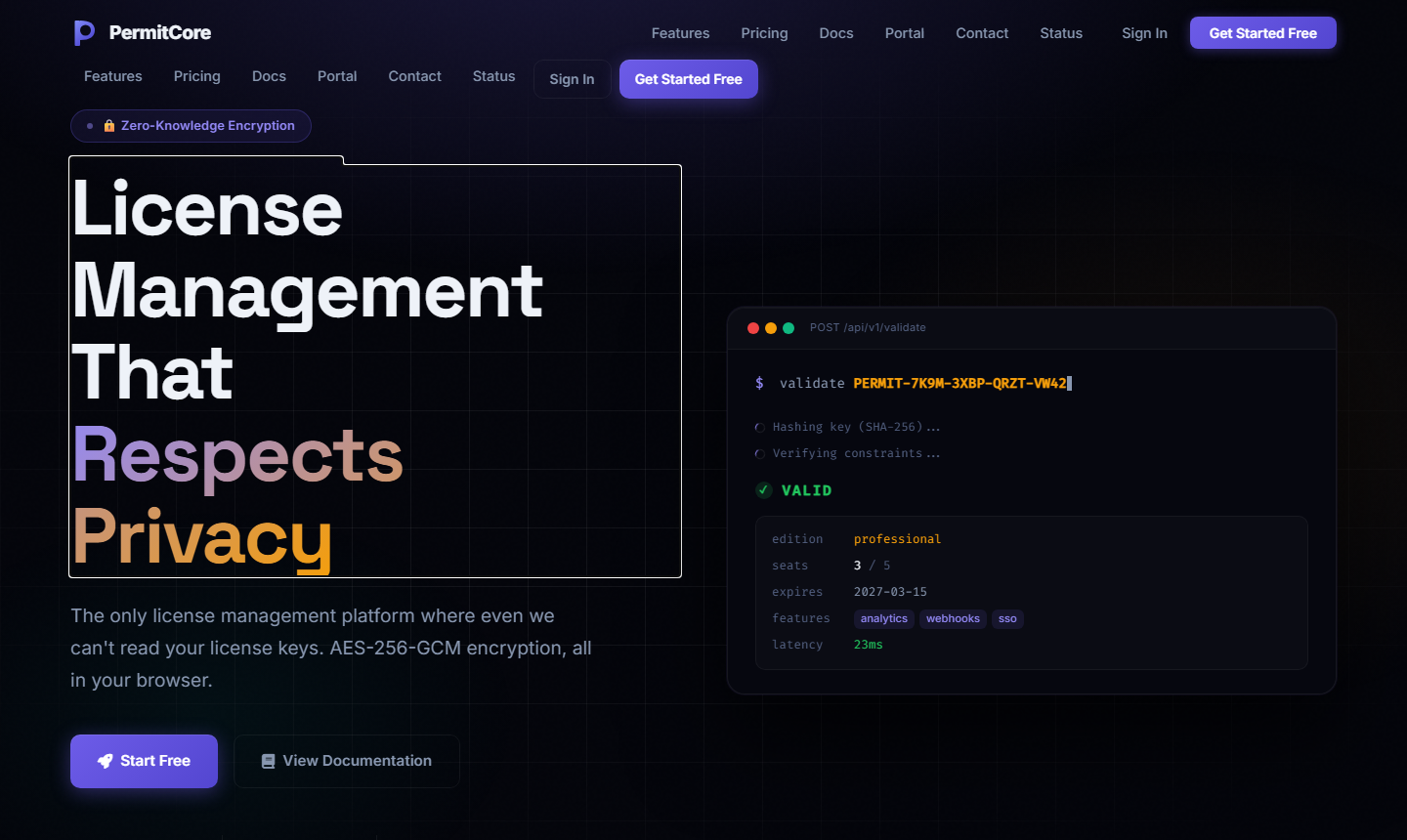
This is what a customer sees when they land on your store — no PermitCore branding required.
What Happens After a Purchase
The buyer signs in before checkout. After the selected provider confirms payment, PermitCore verifies the signed event and payment, creates the encrypted license and links the order to that buyer's account. A queued email links them to My Keys, where they can securely reveal the key. Payment and email processing can finish at different times; the account retains the purchase history.
What's Next
That's the core loop this series set out to cover: create a product, generate or sell a key, activate it on a real device, and keep working offline when the network doesn't. From here, the full documentation covers everything else — webhooks, resellers, metered billing, and the complete API reference.
Build your first licensed product without building a license server.
Create a free PermitCore account, issue a test license, and validate it from your application.